The memory bandwidth of texture data can be a potential bottleneck for your app or game's GPU performance. This guide demonstrates how you can use GPU counter data from a system trace to diagnose texture memory bandwidth issues.
Relevant counters
Different GPU families expose different performance counters in a system trace. Select a GPU family to see relevant counters for this analysis task.
Adreno
| Counter | Description |
|---|---|
| Texture Memory Read BW (Bytes/Second) | Bandwidth of texture data read from external memory. |
| % Texture L1 Miss | L1 cache miss from fetching textures. |
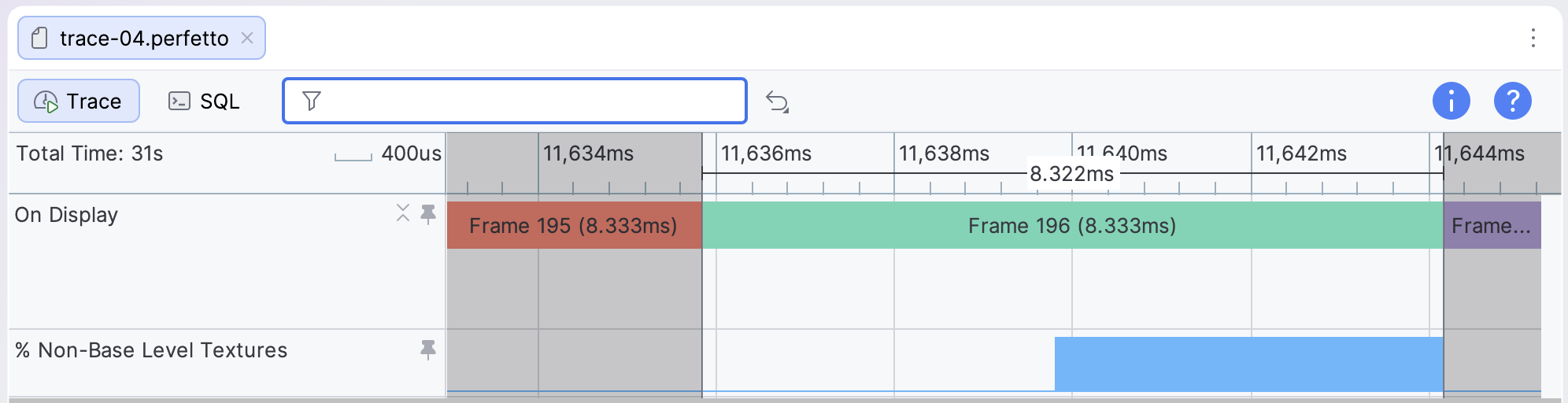
| % Non-Base Level Textures | Percentage of texture fetches that are mipmaps. |
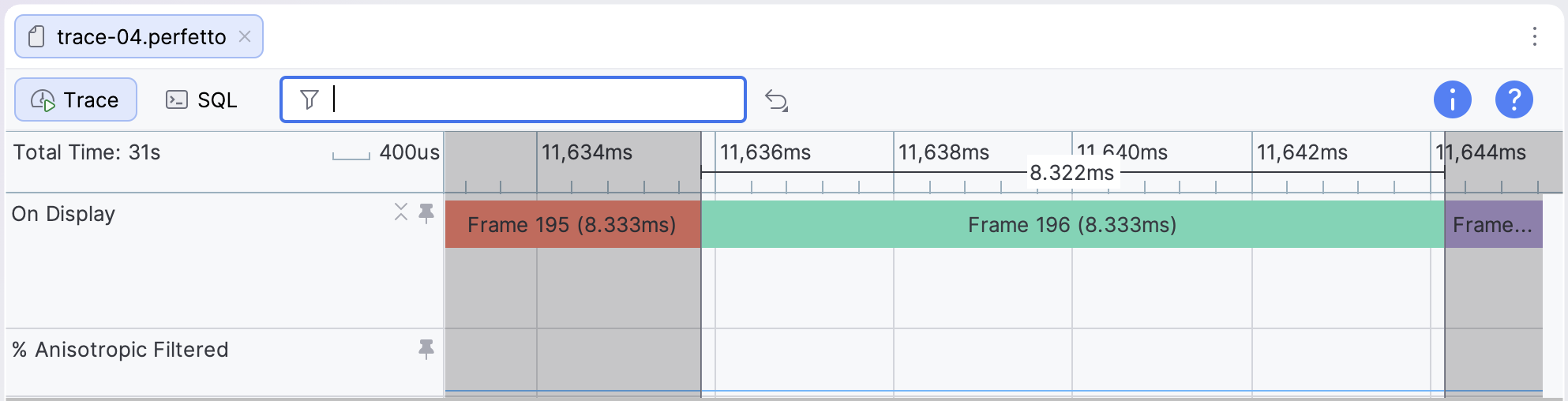
| % Anisotropic Filtered | Percentage of texels that are anisotropic filtered. |
Mali
| Counter | Description |
|---|---|
| Texture read beats from external memory | Data beats read from external memory by the texture unit, averaged over the shader cores. |
| Texture read beats from L2 cache | Data beats read from the L2 cache by the texture unit, averaged over the shader cores. |
To calculate the overall bandwidth from average read beats, multiply the counter value by the bus width (typically 16 bytes) and by the total number of shader cores.
Look for common issues
To analyze the behavior of these counters, you can measure the average and peak bandwidth over the course of a single GPU frame, which can be identified using frame slices in the On Display tracks for each layer under SurfaceFlinger Events.
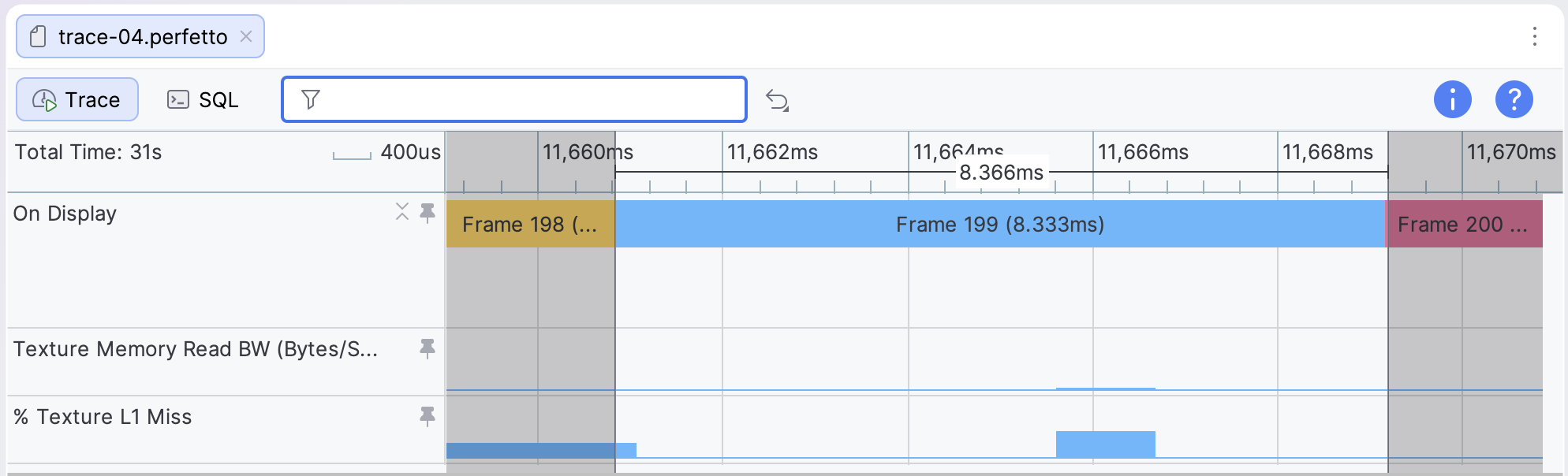
Look for instances where the peak texture memory read bandwidth is higher than 3GBps, the average read bandwidth is higher than 1 GBps, or the texture L1 cache miss is higher than 10%. Values in those ranges indicate one of a few common issues:
- The textures are too big. Large textures bloat your package size and may reduce cache efficiency.
- The textures are uncompressed. All Android devices support some type of texture compression, whether it's ETC1 or ASTC. Compress your textures to reduce package size and reduce texture bandwidth usage.
- Another issue. A variety of other texture issues should be considered, including power-of-2 textures, mipmapping, anisotropic filtering, and more. You can use the System Profiler to observe some of these, but others might require deeper investigation.
Check for inadequate mipmapping
Three-dimensional games with a free camera should use mipmapping for their texture assets, such that objects at a distance from the camera have reduced memory bandwidth usage, better texture cache efficiency, and better image quality. For devices using Adreno GPUs, an average counter value for % Non-Base Level Textures lower than 10% might indicate inadequate mipmapping.
Check for excessive anisotropic filtering
Another consideration is the use of anisotropic filtering, which is captured by the % Anisotropic Filtered counter on Adreno GPUs as the proportion of texels that are anisotropically filtered. This can improve visual quality for some games, but it can also be very performance-intensive. Weigh its use against the GPU performance cost.