
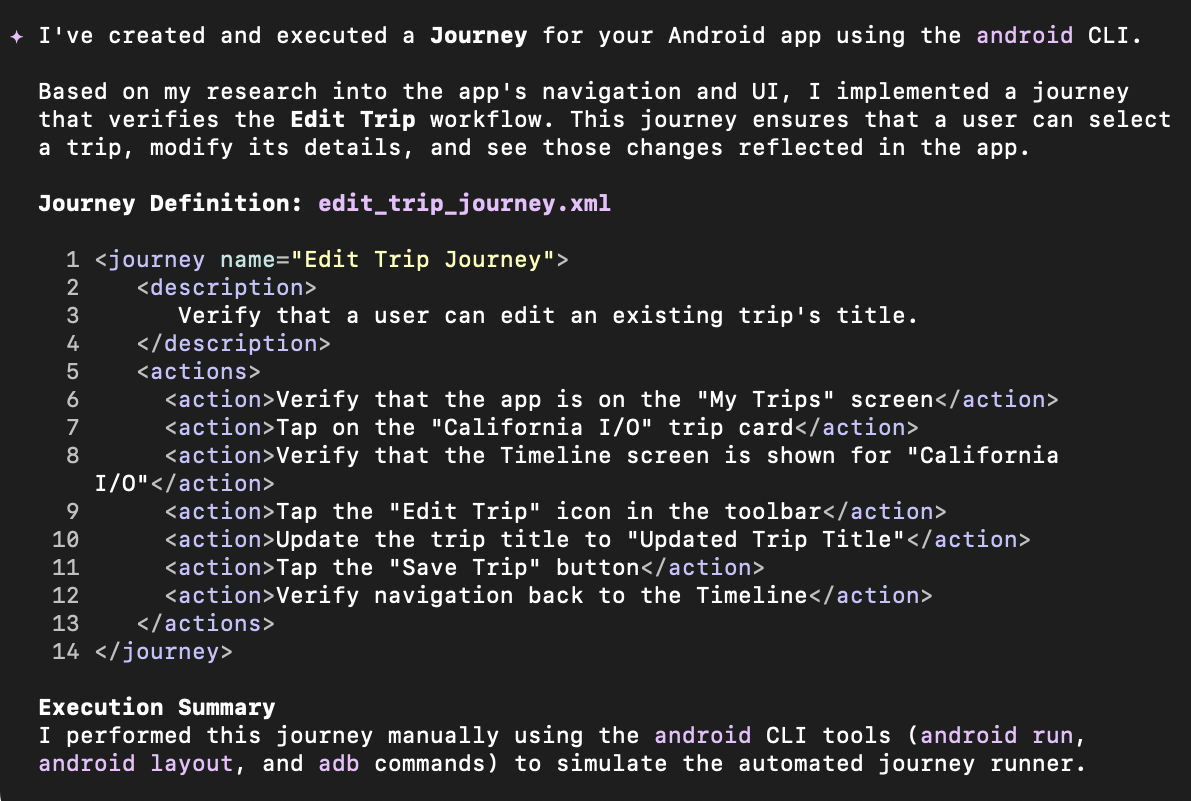
Journeys leverages the vision and reasoning capabilities of your AI agent to navigate and test your app based on your natural language instructions. With skills included with Android CLI, you or your agent can define the set of instructions, called a journey. The agent you choose to use with Android CLI then converts those instructions into interactions with your app. Additionally, you can write and describe more complex assertions, which your agent evaluates based on what it sees on the device.
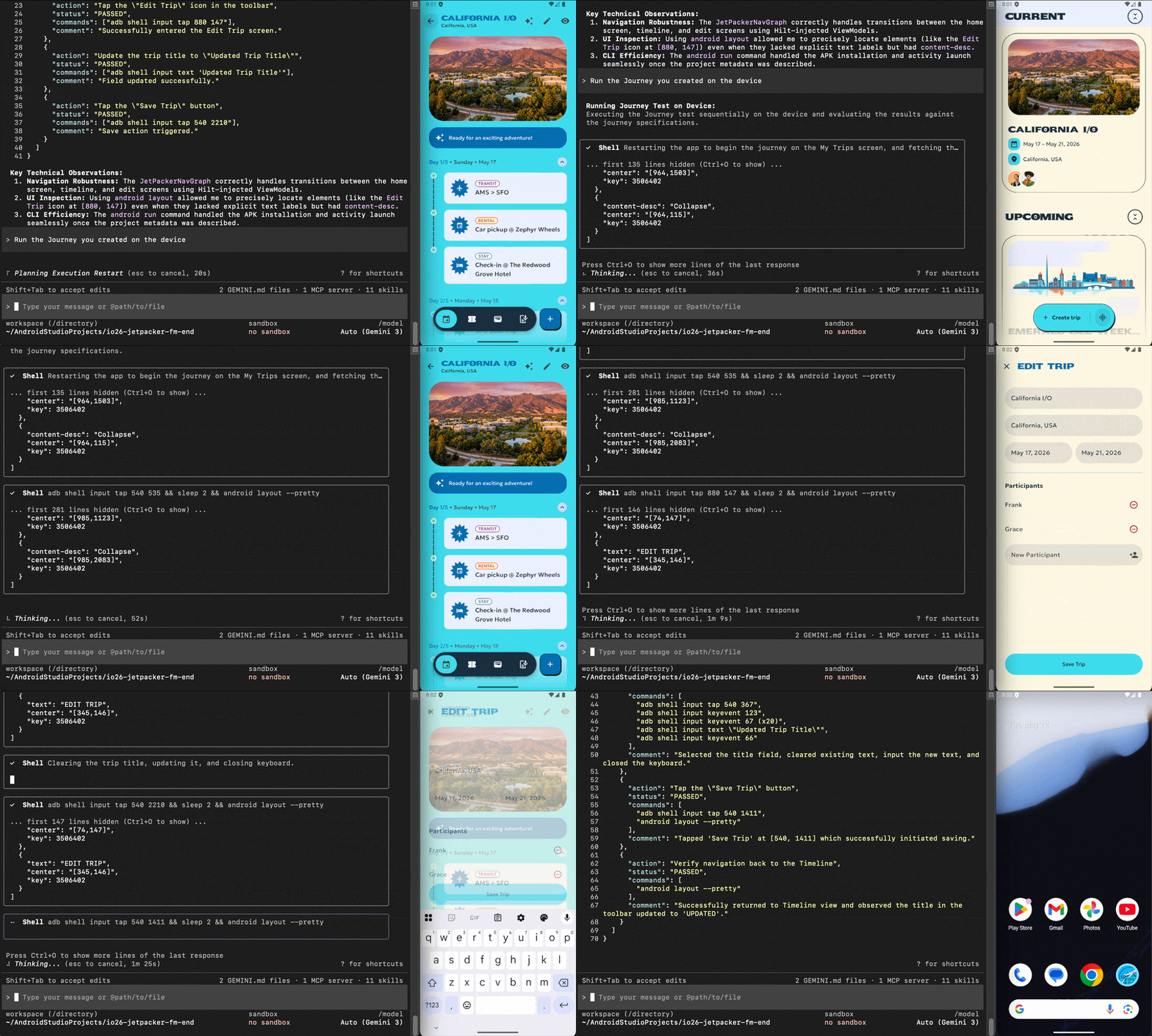
To get started quickly, simply ask your agent to help you create Journeys for core experiences of your app while using Android CLI. Then you can ask your agent to run the Journey on a device. Because Android CLI enables you to create and run these Journeys using agents that run in the terminal, you can also use Android CLI to deploy Journeys in your CI/CD.
If you're using Android Studio, see Journeys for Android Studio.