
Android Performance Analyzer includes features to support AI-assisted analysis of system traces. This guide explains how to use these features with your preferred AI agent to streamline the analysis process.
Explore a trace with your AI agent
With the sheer breadth of data available in an Android Performance Analyzer trace file, it can be difficult to know where to start if you aren't already experienced with profiling. The System Profiler supports a purpose-built analysis skill that works with your preferred AI agent to suggest starting points in response to high-level questions.
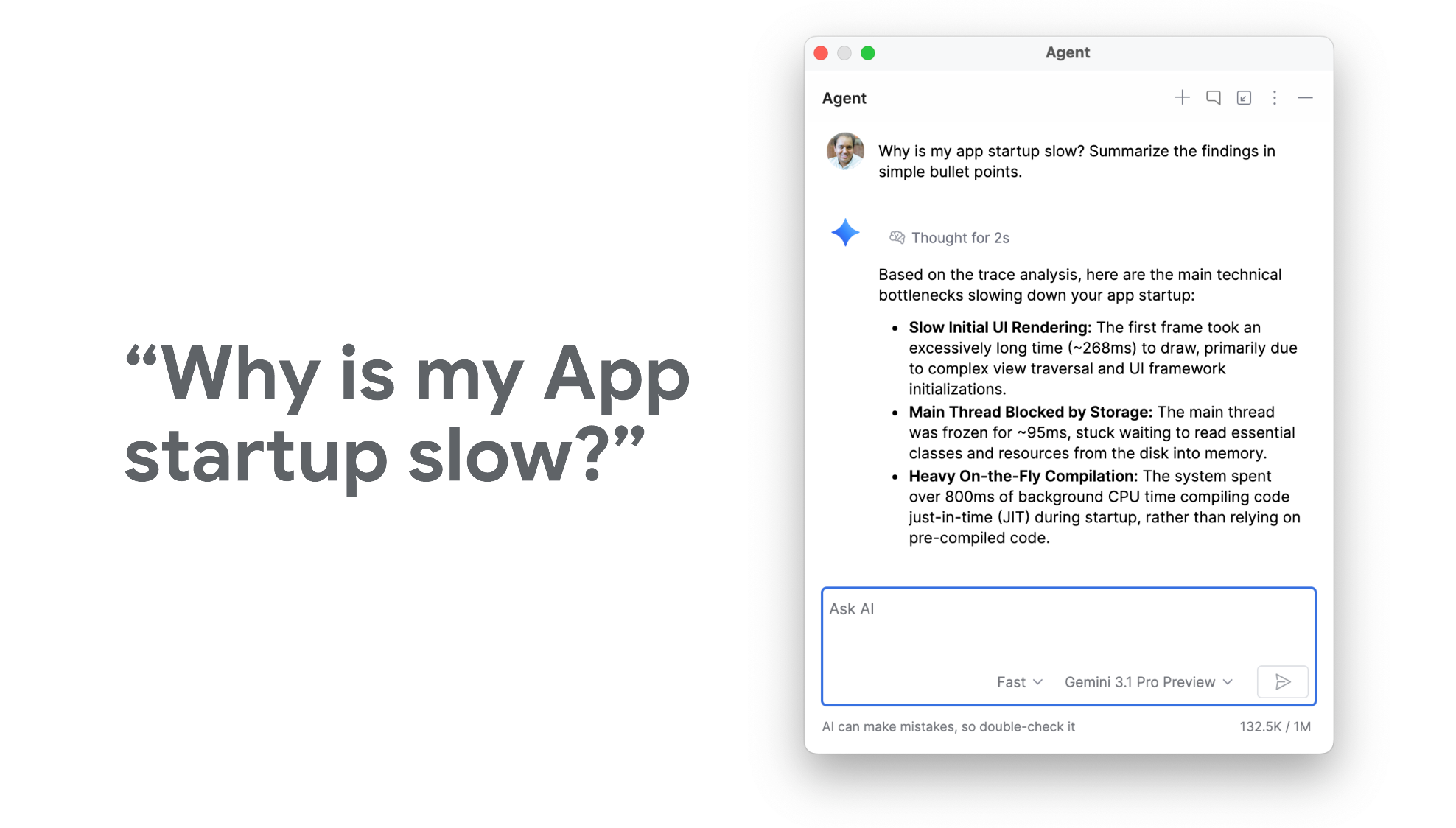
To get started, download and install the perfetto-trace-analysis skill from the Android skills GitHub repository. You can do this with Android CLI by running the following command:
android skills add perfetto-trace-analysis
Use AI to build custom queries
Android Performance Analyzer supports custom SQL queries for deeper and more flexible analysis of your recorded traces. You can always write your own queries, but the System Profiler also supports letting your preferred AI agent write a query for you.
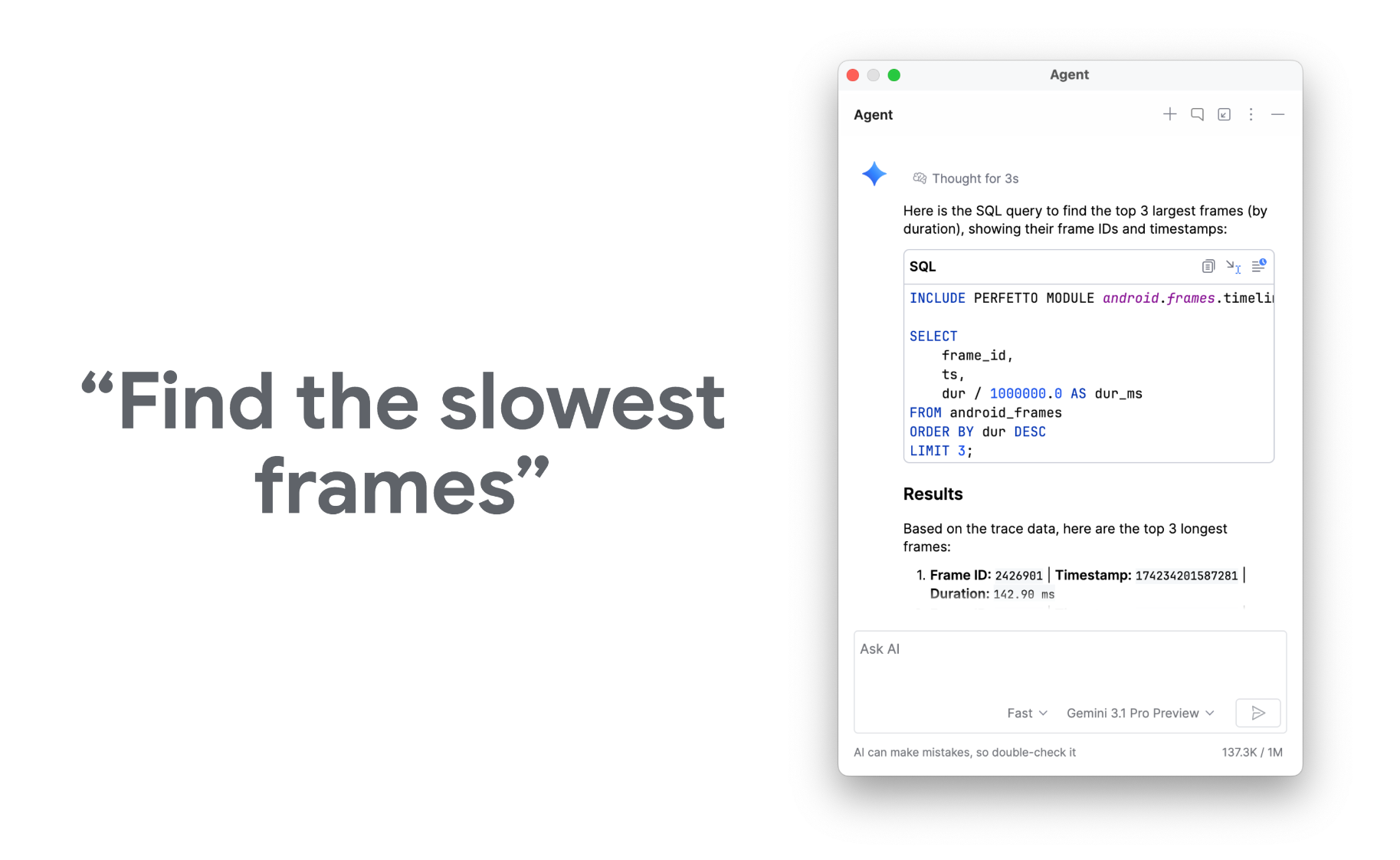
To get started, download and install the perfetto-sql skill from the Android skills GitHub repository. You can do this with Android CLI by running the following command:
android skills add perfetto-sql