
Applicable XR devices
This guidance helps you build experiences for these types of XR devices.

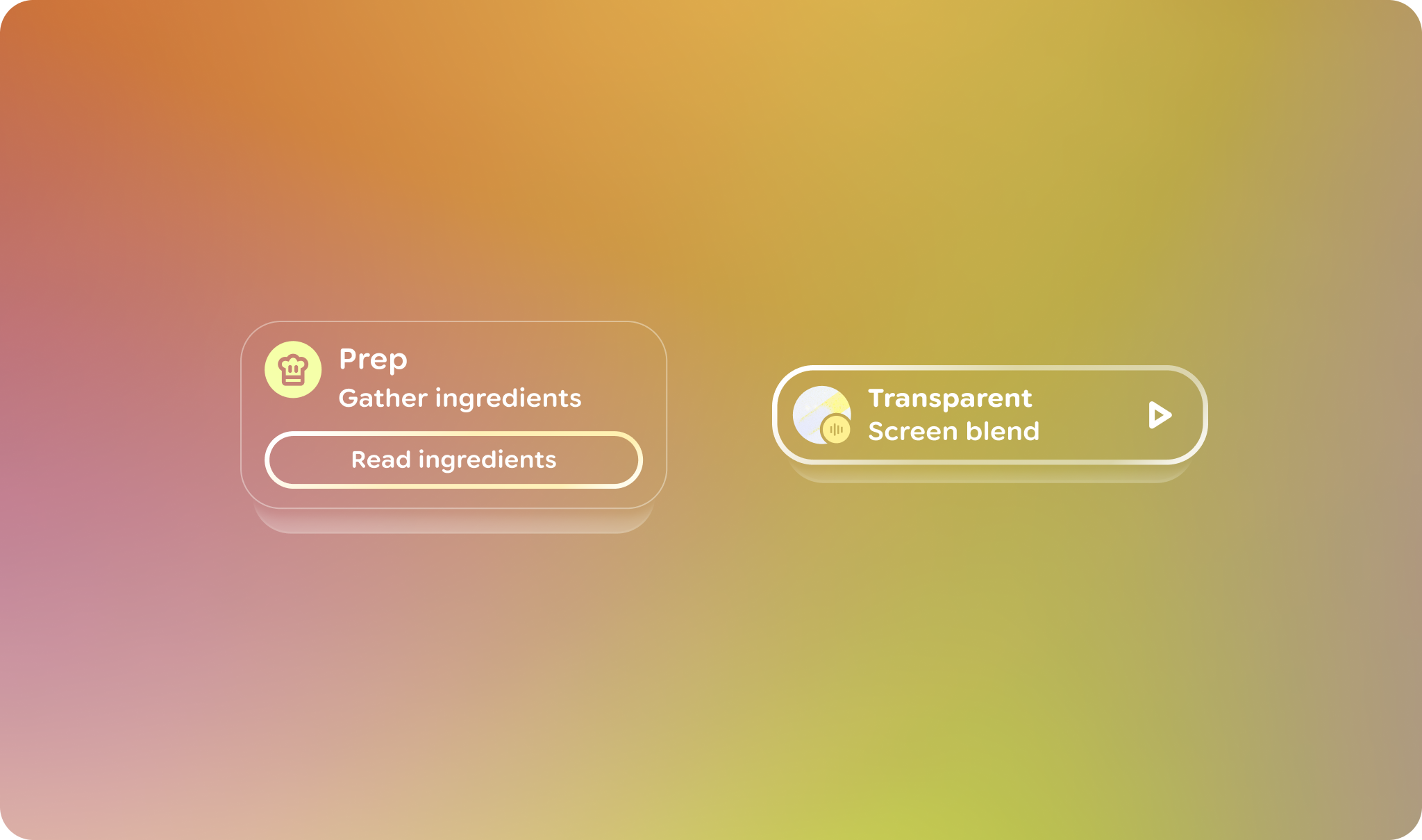
In Jetpack Compose Glimmer, the VerticalStack is a lazy, vertically
scrollable layout that arranges items in a visually overlapping,
three-dimensional sequence. The primary item is prominently displayed in the
foreground, while subsequent items are positioned behind it.
Scrolling and positioning behaviors
Because stacks keep items arranged in a compact, overlapping layout, they have some behaviors that are different from other types of sequenced components, such as lists:
- As a user scrolls vertically, the active foreground item transitions out of view, allowing the item immediately beneath it to slide into the prominent foreground position.
- Items always snap-animate using a specialized spring animation into the foreground position after a user's gesture ends.
- Items are positioned along the z-axis, with items further in the list placed behind the primary item.
Focus management
The VerticalStack uses a specialized focus system to ensure that the current
foreground item is always the primary target for user interaction:
- Initial focus and re-entry: Initial focus and focus re-entry goes to the current top item of the stack.
- Auto-focus notification: As items transition, the stack requests focus for the top item.
- Focus tracking: Each item uses
onFocusChangedto notify theStackStateof its individual focus status.
Example: Create a vertical stack
The following code creates a vertical stack with several items:
@Composable fun VerticalStackSample() { VerticalStack(modifier = Modifier.fillMaxWidth().height(364.dp)) { item(key = 0) { Card(modifier = Modifier.fillMaxSize().itemDecoration(CardDefaults.shape)) { Text( "Item-0", style = LocalTextStyle.current.copy(textMotion = TextMotion.Animated), ) } } items(count = 10, key = { it + 1 }) { index -> Card(modifier = Modifier.fillMaxSize().itemDecoration(CardDefaults.shape)) { Text( "Item-${index + 1}", style = LocalTextStyle.current.copy(textMotion = TextMotion.Animated), ) } } } }
Key points about the code
- Sets
textMotionfor the text'sLocalTextStyletoAnimated. This promotes smooth text rendering during layout animations or scaling transitions to preventing pixel-snapping artifacts. - Provides a specific size of
364.dpfor the height of the vertical stack. Always provide a specific height, use a height modifier, or apply thefillMaxSizemodifier to define the visual area for card transitions. - Unlike other components that take a shape parameter directly,
VerticalStackmanages the visual boundaries of its items using theitemDecorationmodifier. This example passes the same shape for the initial item'sitemDecorationas all the child items to maintain consistent clipping and visual effects. This example uses the defaultCardDefaults.shape.